Plug-Ins
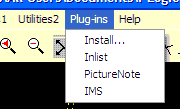
Click "on Install" to open the Plug-In list.
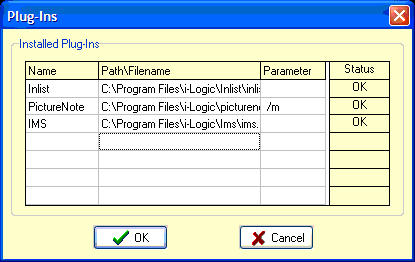
You can put external executable programs onto the Inplot main menu by entering the name and filename into the list. 'Name' is the name that shows up on the menu. 'Path\Filename' is file to execute when the menu item is clicked.
If the Program a startup parameter, it can be entered in the Parameter column.
After clicking OK the 'Status' tells if the file is found to exist or not.
See Also: Ole Server , ActiveX Controls
_________________________________________________________________
Copyright © 2020 i-Logic Software